
Pictory
By Coda One Team · Last verified: March 2026
Disclosure: Some links earn us a commission at no extra cost to you. Rankings are independent — tools cannot pay for placement.
Turn scripts, blog posts, and long videos into short branded clips
What is Pictory?
Pictory is an AI video creation platform that specializes in converting text-based content into professional videos. The platform excels at three core workflows: turning blog posts and articles into engaging videos with matched stock footage, transforming scripts into narrated videos with AI voiceover, and automatically summarizing long videos into concise highlight reels.
The platform uses AI to analyze text content, identify key points, and match them with relevant stock footage, images, and music from its built-in media library. Users can customize every element including branding, fonts, colors, and voiceover. Pictory's auto-summarize feature is particularly useful for repurposing webinars, Zoom calls, and long-form content into short clips with auto-generated captions.
Pictory targets content marketers, bloggers, and businesses who need to produce video at scale without video production expertise. Its template system and brand kit features ensure visual consistency across all outputs.
Key Features
Pros & Cons
Pros
- ✓ Excellent for repurposing written content into video format
- ✓ Auto-summarize feature great for long-form content
- ✓ No video editing skills required
- ✓ Consistent brand output with brand kit
Cons
- ✗ No free tier available
- ✗ Video output quality depends heavily on stock footage matching
- ✗ Limited creative control compared to full editors
Ready to try Pictory?
See if it fits your workflow — free plan available.
Video Tutorials
Pictory AI Video Creator Tutorial
Creator Tutorial
Pricing
No free tier. Paid plans start at $23/month with video creation limits per month.
Standard
$23/month
- ✓30 videos/month
- ✓10-minute max length
- ✓Stock media library
- ✓AI voiceover
- ✓1080p export
Premium
$47/month
- ✓60 videos/month
- ✓20-minute max length
- ✓Premium stock media
- ✓Hootsuite integration
- ✓Brand kit
Enterprise
Custom
- ✓Unlimited videos
- ✓Custom integrations
- ✓Priority support
- ✓Team features
- ✓API access
Pay with crypto using a virtual Visa card
Humanize AI content from Pictory
Transform AI-generated text into natural, human-sounding writing that bypasses detection tools.
Try FreeWho is Pictory for?
Content marketing blog-to-video conversion
Summarizing webinars and Zoom meetings into highlight clips
Creating social media videos from written content
Product explainer videos from scripts
Internal communications video summaries
Frequently Asked Questions
Is Pictory free?
Pictory offers a free tier with limited features. No free tier. Paid plans start at $23/month with video creation limits per month. Paid plans unlock additional capabilities.
What are Pictory's key features?
Pictory's standout features include Blog post and article to video conversion, Script to narrated video with AI voiceover, Long video auto-summarization into highlights, Built-in stock footage and image library. It offers 8 features in total designed for content marketing blog-to-video conversion.
Can I pay for Pictory with cryptocurrency?
Pictory does not currently accept cryptocurrency directly. However, you can pay with crypto using a virtual Visa card funded by USDT, USDC, or other stablecoins.
What are the best alternatives to Pictory?
Popular alternatives to Pictory include CapCut, Descript, Filmora. Each offers different strengths in pricing, features, and specialization.
Does Pictory have an API?
Yes, Pictory offers an API. The API uses a usage-based pricing model.
Do I need to sign up to use Pictory?
Pictory requires an account to access most features. If you prefer no-signup tools, browse Coda One's free tools.
Does Pictory work on mobile?
Pictory works in any modern browser on desktop, tablet, and mobile — no install required. For offline or on-device workflows, check our tool catalog for alternatives.
Is my data safe with Pictory?
Review Pictory's privacy policy at https://pictory.ai for specifics on data retention. For browser-local processing (no server upload), see Coda One's PDF and image tools.
What pricing plans does Pictory offer?
Pictory offers 3 plans: Standard, Premium, Enterprise. Starts at $23/mo. Compare with Coda One's own pricing.
Can I cancel or get a refund from Pictory?
Cancellation and refund policies are set by Pictory — check their terms at https://pictory.ai. Coda One's own paid plans can be cancelled anytime from your subscription dashboard.
How can I pay for Pictory with USDT or USDC?
Since Pictory does not take crypto directly, the practical route is a Coda One virtual Visa card funded by USDT/USDC, which works anywhere Visa is accepted.
Who is Pictory best for?
Pictory is most useful for Content marketing blog-to-video conversion, Summarizing webinars and Zoom meetings into highlight clips, Creating social media videos from written content. For related workflows, explore Coda One's AI tool catalog.
Related Tools
CapCut
Free all-in-one video editor with powerful AI features by ByteDance
- AI-powered auto captions and subtitles
- Background removal and chroma key
- Multi-track timeline editing with keyframe animation
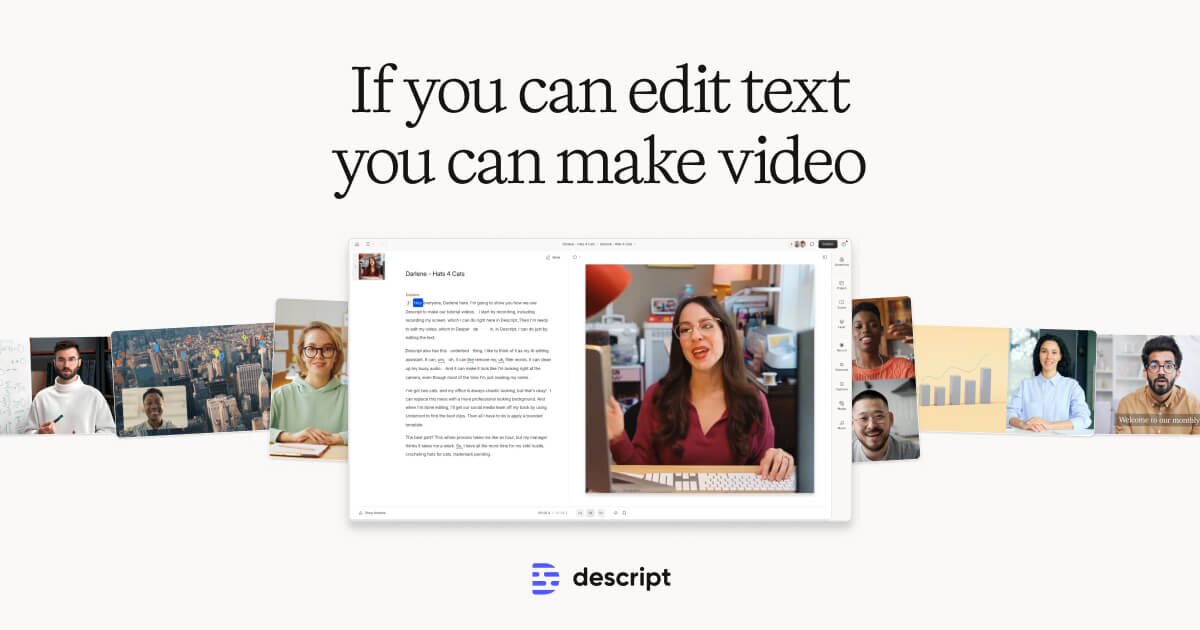
Descript
Edit video by editing text — transcript-based video and podcast editor
- Transcript-based video and audio editing
- Automatic filler word detection and removal
- AI eye contact correction for webcam footage

Filmora
Wondershare's intuitive desktop video editor with AI-powered creative tools
- Multi-track timeline with keyframe animation and motion tracking
- AI copilot editing assistant and text-to-video
- Built-in screen recorder and webcam capture
HeyGen
Leading AI avatar platform for business videos and multilingual dubbing
- 100+ photorealistic AI avatars with natural expressions
- Multilingual video translation with voice cloning and lip-sync
- Custom avatar creation from personal video recording
Discover More AI Tools
Weekly curated tools, scenarios, and MCP server updates.
Disclosure: Some links on this page may be affiliate links. We may earn a commission if you make a purchase through these links, at no additional cost to you. This helps support Coda One.