Descript
By Coda One Team · Last verified: March 2026
Disclosure: Some links earn us a commission at no extra cost to you. Rankings are independent — tools cannot pay for placement.
Edit video by editing text — transcript-based video and podcast editor
What is Descript?
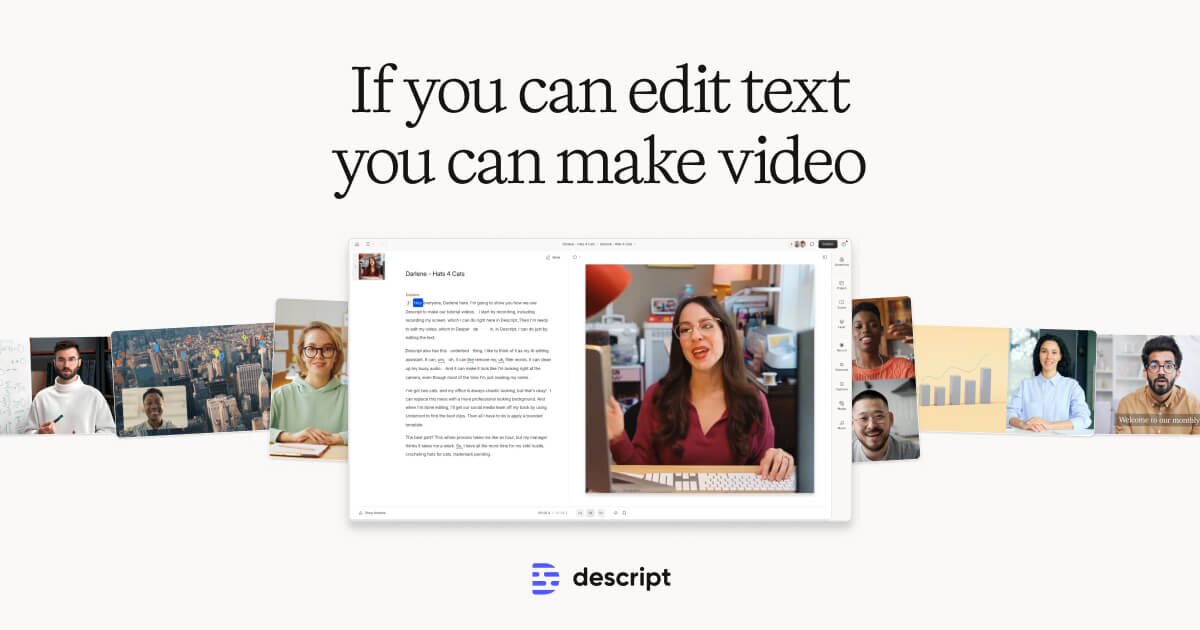
Descript is a video and podcast editing platform that pioneered the concept of editing media by editing its transcript. Instead of scrubbing through a timeline, users read the transcript, delete or rearrange words, and the media follows. This makes video editing as intuitive as editing a Google Doc.
The platform's AI capabilities extend far beyond transcription. Descript's Underlord AI suite includes automatic filler word removal (um, uh, like, you know), eye contact correction that adjusts the speaker's gaze to look directly at the camera, Studio Sound for one-click audio enhancement, and AI-generated voice cloning for overdubbing corrections without re-recording. The Green Screen feature removes backgrounds without a physical green screen, and AI-powered scene detection automatically segments footage.
Descript includes solid screen recording with webcam overlay, making it popular for tutorials, demos, and remote collaboration. Its collaboration features allow teams to comment on specific transcript sections, share projects, and maintain version history. The platform publishes directly to YouTube, Spotify, Apple Podcasts, and other platforms. Descript has carved out a unique niche as the preferred tool for podcasters, educators, and content creators who value speed and simplicity over pixel-perfect control.
Key Features
Pros & Cons
Pros
- ✓ Text-based editing is faster than timeline scrubbing for dialogue-heavy content
- ✓ Filler word removal and audio cleanup save hours of editing
- ✓ Excellent screen recording and webcam capture built in
- ✓ Collaborative editing with commenting and version history
Cons
- ✗ Transcription accuracy depends on audio quality and accents
- ✗ Less suitable for complex multi-layer visual compositions
- ✗ AI voice cloning requires Pro plan
Ready to try Descript?
See if it fits your workflow — free plan available.
Video Tutorials
Complete Descript Tutorial 2026: Zero to Expert
Metics Media
Pricing
Free plan with 1 hour of transcription. Paid plans add unlimited transcription and advanced AI features.
Free
$0
- ✓1 hour transcription/month
- ✓Basic editing tools
- ✓720p export
- ✓Watermark included
Hobbyist
$8/month
- ✓10 hours transcription/month
- ✓Filler word removal
- ✓1080p export
- ✓No watermark
Pro
$24/month
- ✓30 hours transcription/month
- ✓All AI features
- ✓4K export
- ✓Eye contact correction
- ✓AI voice cloning
- ✓Green Screen
Business
$40/month per user
- ✓40 hours transcription/month
- ✓Team workspace
- ✓Compliance features
- ✓Priority support
Pay with crypto using a virtual Visa card
Humanize AI content from Descript
Transform AI-generated text into natural, human-sounding writing that bypasses detection tools.
Try FreeWho is Descript for?
Podcast production and editing
YouTube video editing for talking-head content
Tutorial and screen recording creation
Meeting recording cleanup and highlight extraction
Remote team collaboration on video projects
Frequently Asked Questions
Is Descript free?
Descript offers a free tier with limited features. Free plan with 1 hour of transcription. Paid plans add unlimited transcription and advanced AI features. Paid plans unlock additional capabilities.
What are Descript's key features?
Descript's standout features include Transcript-based video and audio editing, Automatic filler word detection and removal, AI eye contact correction for webcam footage, Studio Sound one-click audio enhancement. It offers 8 features in total designed for podcast production and editing.
Can I pay for Descript with cryptocurrency?
Descript does not currently accept cryptocurrency directly. However, you can pay with crypto using a virtual Visa card funded by USDT, USDC, or other stablecoins.
What are the best alternatives to Descript?
Popular alternatives to Descript include CapCut, Filmora, HeyGen. Each offers different strengths in pricing, features, and specialization.
Do I need to sign up to use Descript?
Descript requires an account to access most features. If you prefer no-signup tools, browse Coda One's free tools.
Does Descript work on mobile?
Descript works in any modern browser on desktop, tablet, and mobile — no install required. For offline or on-device workflows, check our tool catalog for alternatives.
Is my data safe with Descript?
Review Descript's privacy policy at https://www.descript.com for specifics on data retention. For browser-local processing (no server upload), see Coda One's PDF and image tools.
What pricing plans does Descript offer?
Descript offers 4 plans: Free, Hobbyist, Pro, and more. Starts at Free. Compare with Coda One's own pricing.
Can I cancel or get a refund from Descript?
Cancellation and refund policies are set by Descript — check their terms at https://www.descript.com. Coda One's own paid plans can be cancelled anytime from your subscription dashboard.
How can I pay for Descript with USDT or USDC?
Since Descript does not take crypto directly, the practical route is a Coda One virtual Visa card funded by USDT/USDC, which works anywhere Visa is accepted.
Who is Descript best for?
Descript is most useful for Podcast production and editing, YouTube video editing for talking-head content, Tutorial and screen recording creation. For related workflows, explore Coda One's AI tool catalog.
Use Descript for…
Step-by-step guides featuring Descript with prompts you can copy and use right away.
Create a YouTube Video Script with AI
YouTube's algorithm doesn't care how long you spent writing your script — it cares about Average View Duration, and that's decided in the first 30 seconds. Most creators lose viewers because they bury the value under a generic intro ('Hey guys, welcome back to my channel...'). The script is where you win or lose, and most creators spend 80% of their time on the wrong parts of it. AI is exceptionally good at the structural work that separates viral videos from dead ones: researching angles competitors missed, writing hooks that pass the 'would I keep watching?' test, and building retention patterns throughout the script. This workflow covers everything from topic validation to thumbnail concepts, optimized for how YouTube's algorithm actually works.
Create Videos with AI from Script to Final Cut
Produce a polished video -- explainer, product demo, YouTube content, or social media clip -- without a camera, studio, or video editing experience. AI handles scriptwriting, voiceover generation, visual creation, and even basic editing. You go from an idea to a shareable video in under two hours. This workflow covers text-to-video generation, AI avatars, AI voiceovers, and automated editing so you can pick the approach that fits your project and budget.
Grow a YouTube Channel with AI — Script to SEO
YouTube is the second-largest search engine in the world and the most powerful long-form content platform for building an audience that trusts you. But most creators stall because they treat YouTube as a creative project instead of a system. This workflow uses AI to run every part of that system: finding video ideas with real search demand, writing scripts that retain viewers, editing and repurposing content efficiently, and optimizing titles, thumbnails, and descriptions for discovery.
Market Your Podcast with AI — Growth to Monetization
Most podcasters publish great episodes that nobody finds. The content problem is usually not the bottleneck — the distribution, discoverability, and promotion problem is. This guide covers how to use AI to repurpose every episode into dozens of pieces of content, write show notes that rank in search, create audiogram clips that spread on social media, pitch to new audiences, and build the monetization assets that turn listeners into revenue.
Produce a Podcast with AI
Use AI to handle the time-consuming parts of podcast production — research, show notes, episode outlines, guest prep, transcription editing, and promotional content. Spend more time on conversations and less time on logistics.
Related Tools
CapCut
Free all-in-one video editor with powerful AI features by ByteDance
- AI-powered auto captions and subtitles
- Background removal and chroma key
- Multi-track timeline editing with keyframe animation

Filmora
Wondershare's intuitive desktop video editor with AI-powered creative tools
- Multi-track timeline with keyframe animation and motion tracking
- AI copilot editing assistant and text-to-video
- Built-in screen recorder and webcam capture
HeyGen
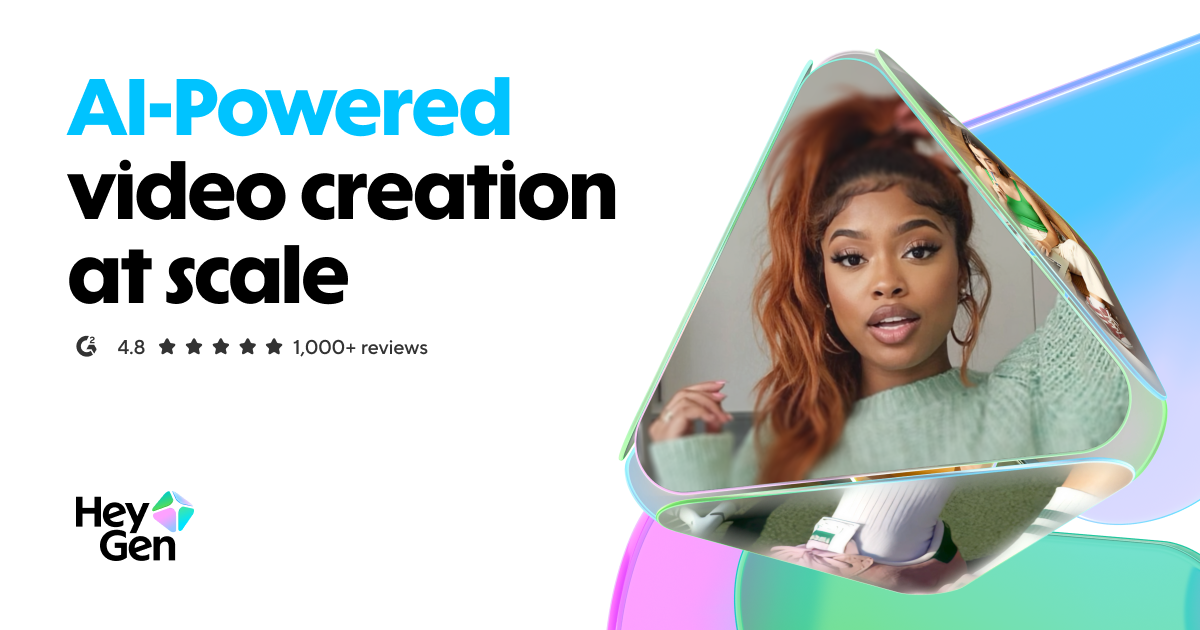
Leading AI avatar platform for business videos and multilingual dubbing
- 100+ photorealistic AI avatars with natural expressions
- Multilingual video translation with voice cloning and lip-sync
- Custom avatar creation from personal video recording
InVideo
Template-driven video creation platform with 5000+ ready-made templates
- 5000+ customizable video templates
- Millions of premium stock photos and videos included
- Browser-based editor with multi-scene storyboard
Discover More AI Tools
Weekly curated tools, scenarios, and MCP server updates.
Disclosure: Some links on this page may be affiliate links. We may earn a commission if you make a purchase through these links, at no additional cost to you. This helps support Coda One.