
Hemingway Editor
By Coda One Team · Last verified: March 2026
Disclosure: Some links earn us a commission at no extra cost to you. Rankings are independent — tools cannot pay for placement.
Readability-focused editor that highlights complex and unclear writing
What is Hemingway Editor?
Hemingway Editor is a clean, focused writing tool that analyzes your prose for readability issues, highlighting overly complex sentences, passive voice, excessive adverbs, and hard-to-read passages with intuitive color-coded visual cues. Named after Ernest Hemingway's famously concise and direct style, the tool assigns a readability grade level score and systematically pushes writers toward clearer, more accessible prose. Unlike grammar checkers that fix mechanical errors, Hemingway focuses exclusively on making good writing better by identifying structural and stylistic weaknesses that undermine clarity. Each color represents a different issue type — yellow for hard-to-read sentences, red for very hard, blue for adverbs, green for passive voice, and purple for simpler word alternatives. The free web version provides instant, full-featured analysis with no signup or account required, making it the quickest readability check available anywhere. The desktop app at a one-time cost of $19.99 adds offline editing capability, direct publishing to WordPress and Medium, and export to Word and PDF formats. The newer Hemingway Editor Plus subscription adds AI-powered sentence rewriting that fixes highlighted issues with a single click, transforming complex passages into clear, readable alternatives while preserving the original meaning.
Key Features
Pros & Cons
Pros
- ✓ Instant, no-signup free web version for quick readability checks
- ✓ Extremely simple and focused interface with zero learning curve
- ✓ One-time desktop purchase with no recurring fees
- ✓ Genuinely improves writing clarity by targeting structural issues
Cons
- ✗ No grammar or spelling correction — only readability analysis
- ✗ Limited features compared to full writing assistants like Grammarly
- ✗ No browser extension or integration with other writing platforms
Ready to try Hemingway Editor?
See if it fits your workflow — free plan available.
Video Tutorials
How to use Hemingway Editor to Write Better Copy
Unlock Your Sound
Pricing
Free web editor; Desktop app at $19.99 one-time; Editor Plus with AI at $10/mo
Free Web
$0
- ✓Full readability analysis
- ✓Color-coded highlighting
- ✓Grade level scoring
- ✓No signup required
Desktop App
$19.99 one-time
- ✓Offline editing
- ✓Direct WordPress/Medium publishing
- ✓PDF and Word export
- ✓All web features offline
Editor Plus
$10/mo
- ✓AI-powered sentence rewrites
- ✓One-click fix for highlighted issues
- ✓All desktop features
- ✓Cloud document storage
Pay with crypto using a virtual Visa card
Humanize AI content from Hemingway Editor
Transform AI-generated text into natural, human-sounding writing that bypasses detection tools.
Try FreeWho is Hemingway Editor for?
Blog writers checking readability before publishing
Business professionals simplifying complex reports and memos
Students improving essay clarity and conciseness
Content marketers ensuring copy is accessible to broad audiences
Frequently Asked Questions
Is Hemingway Editor free?
Hemingway Editor offers a free tier with limited features. Free web editor; Desktop app at $19.99 one-time; Editor Plus with AI at $10/mo Paid plans unlock additional capabilities.
What are Hemingway Editor's key features?
Hemingway Editor's standout features include Color-coded highlighting of complex sentences and passive voice, Readability grade level scoring, Adverb and weakening phrase detection, Direct publishing to WordPress and Medium. It offers 6 features in total designed for blog writers checking readability before publishing.
Can I pay for Hemingway Editor with cryptocurrency?
Hemingway Editor does not currently accept cryptocurrency directly. However, you can pay with crypto using a virtual Visa card funded by USDT, USDC, or other stablecoins.
What are the best alternatives to Hemingway Editor?
Popular alternatives to Hemingway Editor include Copy.ai, Frase, Grammarly. Each offers different strengths in pricing, features, and specialization.
Do I need to sign up to use Hemingway Editor?
Hemingway Editor requires an account to access most features. If you prefer no-signup tools, browse Coda One's free tools.
Does Hemingway Editor work on mobile?
Hemingway Editor works in any modern browser on desktop, tablet, and mobile — no install required. For offline or on-device workflows, check our tool catalog for alternatives.
Is my data safe with Hemingway Editor?
Review Hemingway Editor's privacy policy at https://hemingwayapp.com for specifics on data retention. For browser-local processing (no server upload), see Coda One's PDF and image tools.
What pricing plans does Hemingway Editor offer?
Hemingway Editor offers 3 plans: Free Web, Desktop App, Editor Plus. Starts at Free. Compare with Coda One's own pricing.
Can I cancel or get a refund from Hemingway Editor?
Cancellation and refund policies are set by Hemingway Editor — check their terms at https://hemingwayapp.com. Coda One's own paid plans can be cancelled anytime from your subscription dashboard.
How can I pay for Hemingway Editor with USDT or USDC?
Since Hemingway Editor does not take crypto directly, the practical route is a Coda One virtual Visa card funded by USDT/USDC, which works anywhere Visa is accepted.
Who is Hemingway Editor best for?
Hemingway Editor is most useful for Blog writers checking readability before publishing, Business professionals simplifying complex reports and memos, Students improving essay clarity and conciseness. For related workflows, explore Coda One's AI tool catalog.
Use Hemingway Editor for…
Step-by-step guides featuring Hemingway Editor with prompts you can copy and use right away.
Related Tools
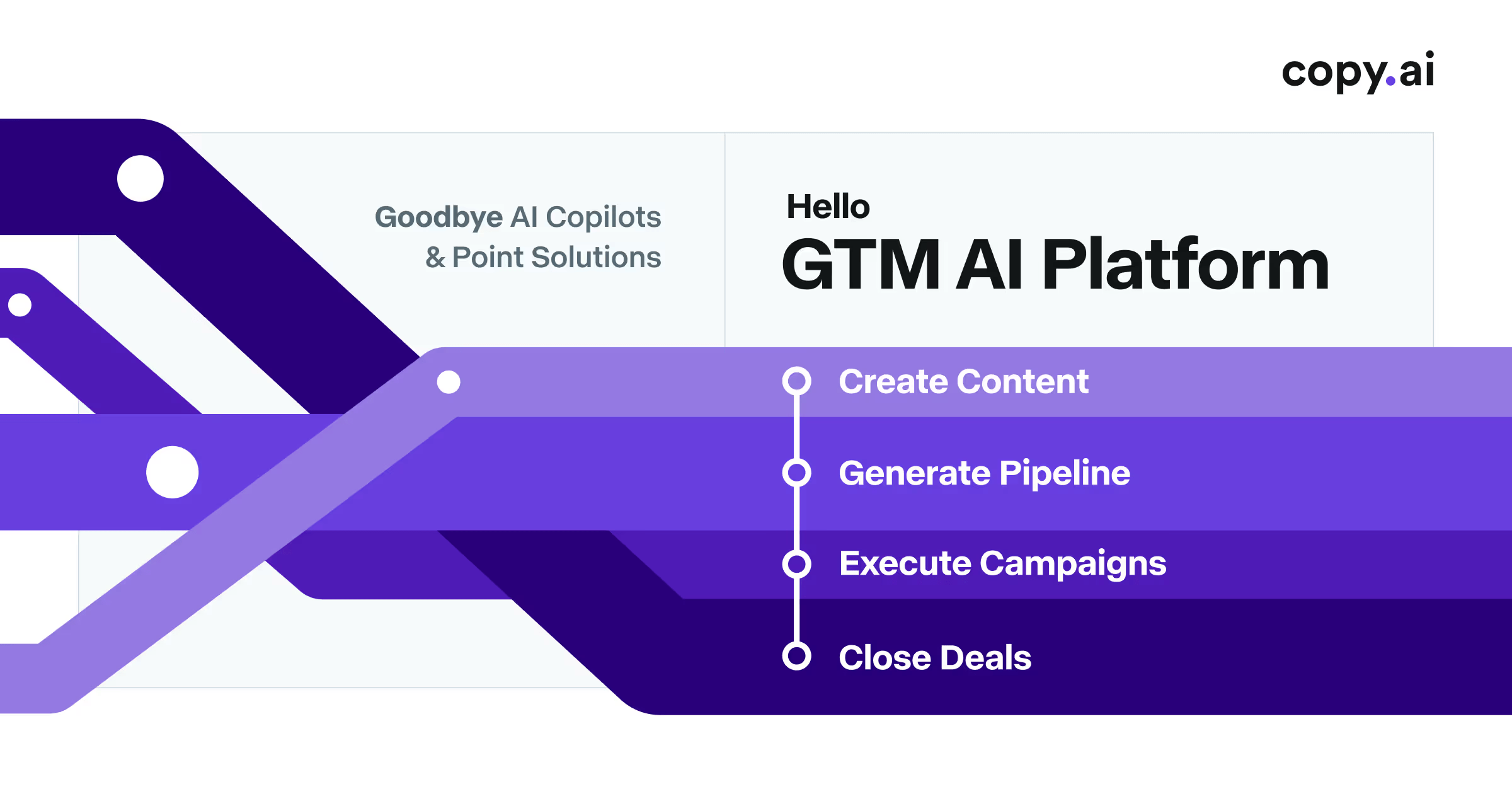
Copy.ai
AI-powered GTM platform for marketing copy and sales enablement
- 90+ copywriting templates for ads, emails, and social media
- Workflow automation for chaining multi-step content pipelines
- Bulk content generation for A/B testing at scale
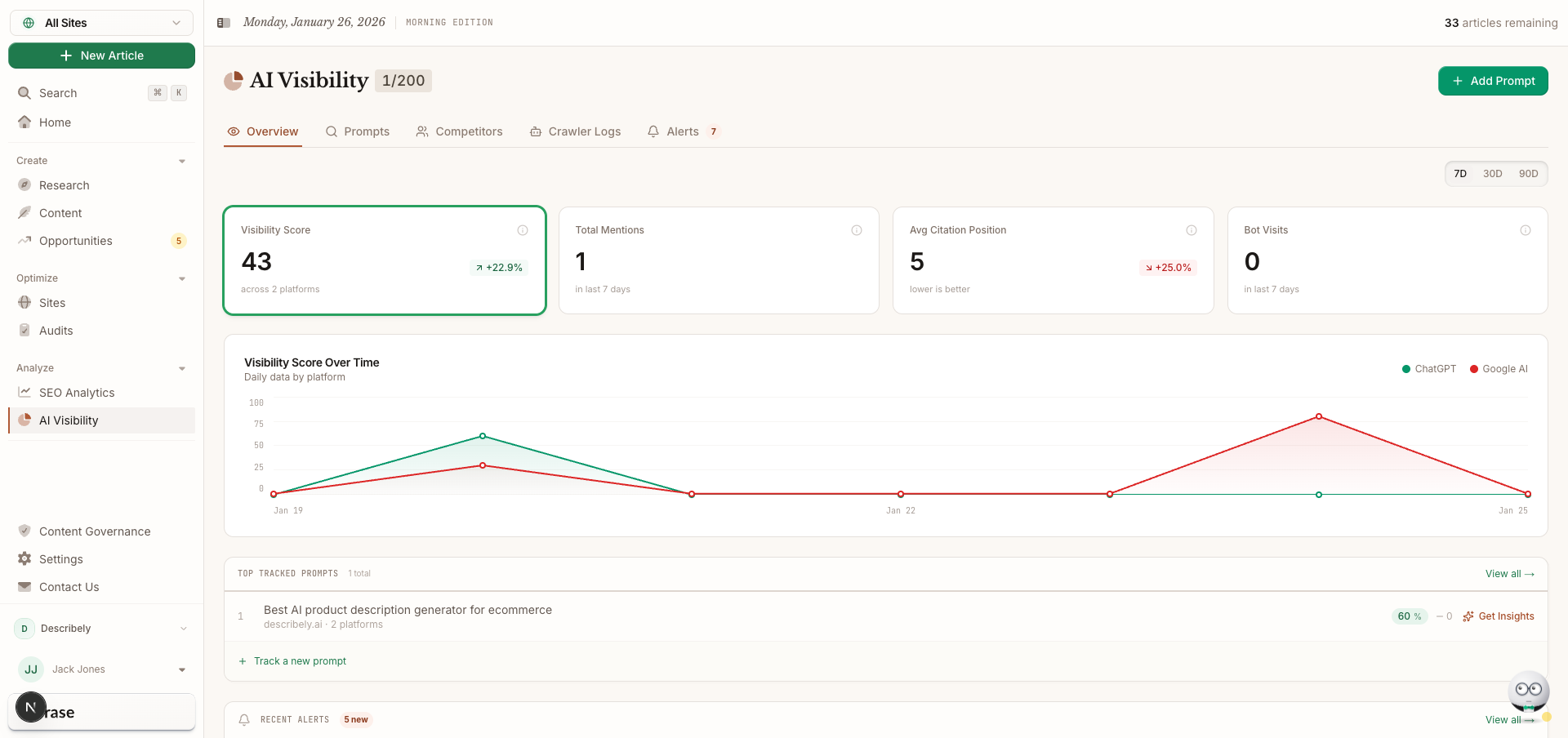
Frase
SEO content research, optimization, and AI writing in one workflow
- SERP analysis of top-ranking pages for any keyword
- Automated content brief generation with topic recommendations
- AI writing assistant guided by SEO research data
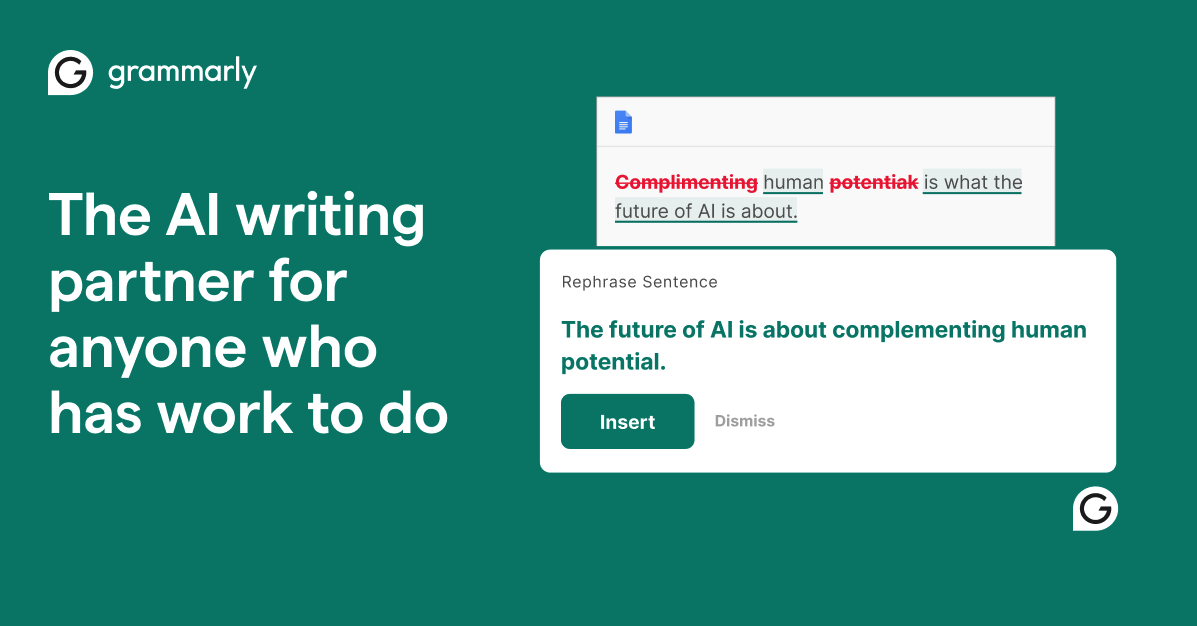
Grammarly
AI-powered writing assistant for grammar, clarity, and tone
- Real-time grammar, spelling, and punctuation correction
- Tone detection and adjustment
- Full-sentence rewrite suggestions

Jasper
Enterprise AI marketing platform for brand-consistent content at scale
- Brand Voice engine for tone and style consistency
- 50+ content templates for marketing use cases
- Campaign workflow for multi-channel content generation
Discover More AI Tools
Weekly curated tools, scenarios, and MCP server updates.
Disclosure: Some links on this page may be affiliate links. We may earn a commission if you make a purchase through these links, at no additional cost to you. This helps support Coda One.