
ChatPDF
By Coda One Team · Last verified: March 2026
Disclosure: Some links earn us a commission at no extra cost to you. Rankings are independent — tools cannot pay for placement.
Chat with PDF documents using AI to get answers, summaries, and explanations
What is ChatPDF?
ChatPDF is an AI-powered tool that lets users interact with PDF documents through a conversational chat interface. Users upload a PDF and can immediately ask questions about the content, request summaries, get explanations of complex topics, and extract specific information — all without manually reading through the document. The platform uses semantic indexing and the OpenAI ChatGPT API to understand document content and provide accurate, referenced answers.
The system automatically generates an initial summary upon upload, then responds to natural language questions with answers that include page references pointing back to the source material. This citation feature allows users to verify AI responses against the original document. ChatPDF supports multiple languages, recognizing and conversing in the language of the uploaded document. Beyond PDFs, the platform also handles Word documents and PowerPoint presentations.
ChatPDF can interpret basic tables and charts using OCR technology to extract data from visual elements. Users can upload and chat with multiple files simultaneously, making it useful for cross-referencing research papers or comparing documents. The platform uses SSL encryption during transfer and storage, and users can delete their documents from servers at any time.
The free plan allows 2 PDFs per day (up to 120 pages each) with 20 questions per day. The Plus plan at $19.99/month removes all limits, supports files up to 2,000 pages and 32MB, and includes unlimited questions. Plus subscribers also receive access to the bundled Jenni AI writing assistant.
Key Features
Pros & Cons
Pros
- ✓ Source citations with page references make answers verifiable
- ✓ No account required for free usage — just upload and chat
- ✓ Multi-language support works well for international documents
- ✓ Simple interface with virtually no learning curve
Cons
- ✗ Quality degrades significantly on documents over 300 pages
- ✗ Struggles with scanned or low-quality PDFs
- ✗ Free tier limited to only 2 PDFs and 20 questions per day
Ready to try ChatPDF?
See if it fits your workflow — free plan available.
Video Tutorials
ChatPDF: Use this AI Tool to Chat with any PDF
Andy Park
Pricing
Free plan with 2 PDFs/day; Plus $19.99/mo with unlimited usage
Free
$0
- ✓2 PDFs per day
- ✓Up to 120 pages per PDF
- ✓20 questions per day
- ✓Auto-summary on upload
- ✓Source citations
Plus
$19.99/mo
- ✓Unlimited PDFs
- ✓Up to 2,000 pages per file
- ✓32 MB file size limit
- ✓Unlimited questions
- ✓Multi-file chat
- ✓Jenni AI writer included
Pay with crypto using a virtual Visa card
Humanize AI content from ChatPDF
Transform AI-generated text into natural, human-sounding writing that bypasses detection tools.
Try FreeWho is ChatPDF for?
Quickly extracting key information from research papers
Summarizing lengthy business reports and contracts
Studying textbook chapters through conversational Q&A
Cross-referencing multiple documents for research
Getting explanations of complex technical documentation
Frequently Asked Questions
Is ChatPDF free?
ChatPDF offers a free tier with limited features. Free plan with 2 PDFs/day; Plus $19.99/mo with unlimited usage Paid plans unlock additional capabilities.
What are ChatPDF's key features?
ChatPDF's standout features include Conversational Q&A with PDF documents, Automatic document summarization on upload, Page-referenced source citations in answers, Multi-language support. It offers 8 features in total designed for quickly extracting key information from research papers.
Can I pay for ChatPDF with cryptocurrency?
ChatPDF does not currently accept cryptocurrency directly. However, you can pay with crypto using a virtual Visa card funded by USDT, USDC, or other stablecoins.
What are the best alternatives to ChatPDF?
Popular alternatives to ChatPDF include Copy.ai, Frase, Grammarly. Each offers different strengths in pricing, features, and specialization.
Do I need to sign up to use ChatPDF?
ChatPDF requires an account to access most features. If you prefer no-signup tools, browse Coda One's free tools.
Does ChatPDF work on mobile?
ChatPDF works in any modern browser on desktop, tablet, and mobile — no install required. For offline or on-device workflows, check our tool catalog for alternatives.
Is my data safe with ChatPDF?
Review ChatPDF's privacy policy at https://www.chatpdf.com for specifics on data retention. For browser-local processing (no server upload), see Coda One's PDF and image tools.
What pricing plans does ChatPDF offer?
ChatPDF offers 2 plans: Free, Plus. Starts at Free. Compare with Coda One's own pricing.
Can I cancel or get a refund from ChatPDF?
Cancellation and refund policies are set by ChatPDF — check their terms at https://www.chatpdf.com. Coda One's own paid plans can be cancelled anytime from your subscription dashboard.
How can I pay for ChatPDF with USDT or USDC?
Since ChatPDF does not take crypto directly, the practical route is a Coda One virtual Visa card funded by USDT/USDC, which works anywhere Visa is accepted.
Who is ChatPDF best for?
ChatPDF is most useful for Quickly extracting key information from research papers, Summarizing lengthy business reports and contracts, Studying textbook chapters through conversational Q&A. For related workflows, explore Coda One's AI tool catalog.
Related Tools
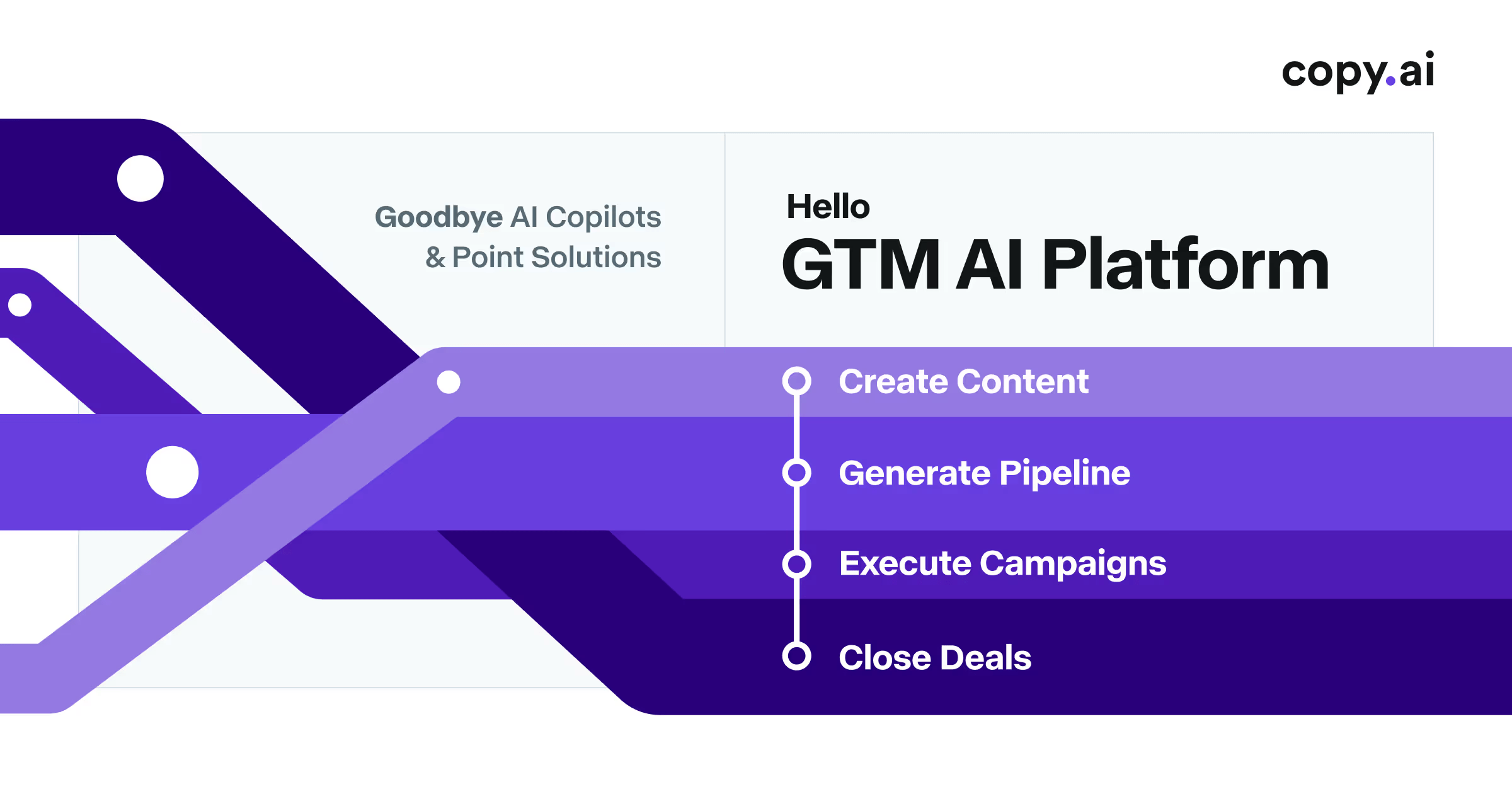
Copy.ai
AI-powered GTM platform for marketing copy and sales enablement
- 90+ copywriting templates for ads, emails, and social media
- Workflow automation for chaining multi-step content pipelines
- Bulk content generation for A/B testing at scale
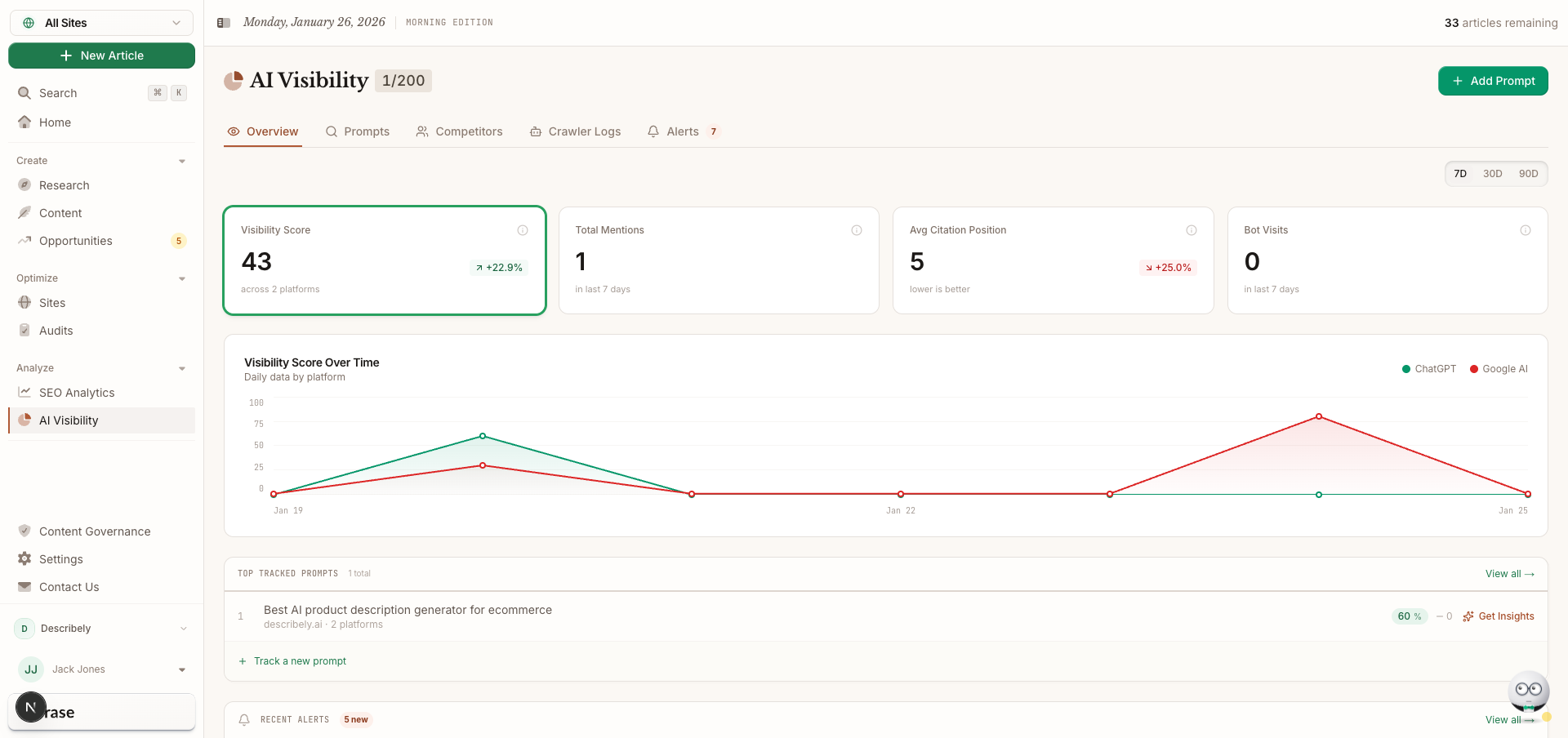
Frase
SEO content research, optimization, and AI writing in one workflow
- SERP analysis of top-ranking pages for any keyword
- Automated content brief generation with topic recommendations
- AI writing assistant guided by SEO research data
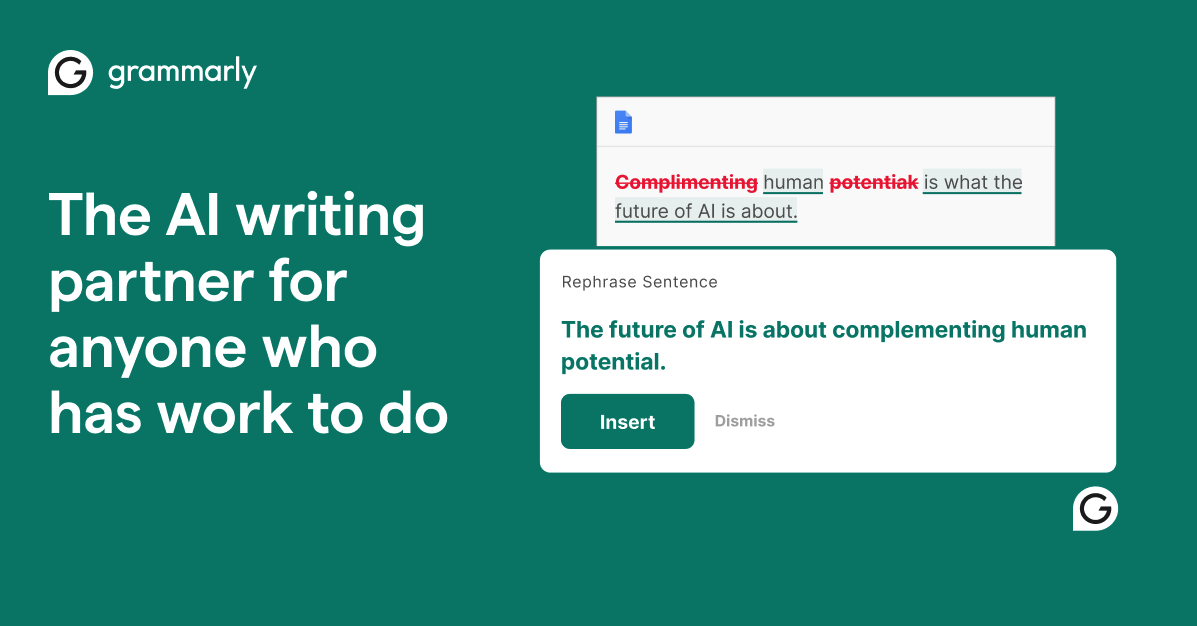
Grammarly
AI-powered writing assistant for grammar, clarity, and tone
- Real-time grammar, spelling, and punctuation correction
- Tone detection and adjustment
- Full-sentence rewrite suggestions

Jasper
Enterprise AI marketing platform for brand-consistent content at scale
- Brand Voice engine for tone and style consistency
- 50+ content templates for marketing use cases
- Campaign workflow for multi-channel content generation
Discover More AI Tools
Weekly curated tools, scenarios, and MCP server updates.
Disclosure: Some links on this page may be affiliate links. We may earn a commission if you make a purchase through these links, at no additional cost to you. This helps support Coda One.