
Canva
By Coda One Team · Last verified: March 2026
Disclosure: Some links earn us a commission at no extra cost to you. Rankings are independent — tools cannot pay for placement.
All-in-one visual design platform with AI-powered creative tools
What is Canva?
Canva is the world's most popular online design platform, used by over 170 million monthly active users to create everything from social media graphics and presentations to videos and printed materials. The platform democratizes design by providing an intuitive drag-and-drop editor combined with a massive library of templates, stock photos, illustrations, and fonts.
Canva's Magic Studio AI suite brings generative AI directly into the design workflow. Magic Design generates complete layouts from a text prompt or uploaded image. Magic Eraser removes unwanted objects, Magic Grab isolates subjects for repositioning, and Magic Expand extends images beyond their original borders. The Text to Image feature generates custom visuals, while Magic Write assists with copywriting directly on the canvas.
Beyond individual design, Canva offers robust collaboration features including real-time co-editing, brand kits for maintaining visual consistency, and a content planner for scheduling social media posts. The platform supports direct publishing to major social platforms, website creation, and print-on-demand services. Canva for Teams adds centralized brand management, approval workflows, and usage analytics, making it suitable for organizations of all sizes.
Key Features
Pros & Cons
Pros
- ✓ Extremely intuitive interface with minimal learning curve
- ✓ Massive template and asset library covering virtually every use case
- ✓ Generous free tier that covers most basic design needs
- ✓ Strong AI features integrated seamlessly into the design workflow
Cons
- ✗ Limited advanced editing capabilities compared to professional tools like Photoshop
- ✗ AI image generation quality trails dedicated generators like Midjourney
- ✗ Designs can look templated without significant customization
Ready to try Canva?
See if it fits your workflow — free plan available.
Video Tutorials
Ultimate Canva AI Tutorial - Over 15 AI Tools
Stewart Gauld
Pricing
Generous free tier with premium features starting at $13/month for Pro
Free
$0
- ✓250,000+ templates
- ✓1 million+ free photos and graphics
- ✓5GB cloud storage
- ✓AI-powered design suggestions
- ✓Real-time collaboration
Pro
$13/month
- ✓100+ million premium stock assets
- ✓Magic Studio AI suite (full access)
- ✓Background Remover
- ✓Brand Kit (1 brand)
- ✓1TB cloud storage
- ✓Social media content planner
Teams
$30/month (first 5 users)
- ✓Everything in Pro
- ✓Centralized brand management
- ✓Approval workflows
- ✓Usage analytics and reporting
- ✓SSO and advanced admin controls
Pay with crypto using a virtual Visa card
Humanize AI content from Canva
Transform AI-generated text into natural, human-sounding writing that bypasses detection tools.
Try FreeWho is Canva for?
Social media content creation and scheduling
Marketing collateral and presentation design
Brand identity management for small businesses
Quick prototyping of visual concepts
Team collaboration on visual projects
Frequently Asked Questions
Is Canva free?
Canva offers a free tier with limited features. Generous free tier with premium features starting at $13/month for Pro Paid plans unlock additional capabilities.
What are Canva's key features?
Canva's standout features include Drag-and-drop visual editor with 250,000+ templates, Magic Studio AI suite (text-to-image, Magic Eraser, Magic Expand), Background Remover for instant subject isolation, Real-time collaboration and co-editing. It offers 8 features in total designed for social media content creation and scheduling.
Can I pay for Canva with cryptocurrency?
Canva does not currently accept cryptocurrency directly. However, you can pay with crypto using a virtual Visa card funded by USDT, USDC, or other stablecoins.
What are the best alternatives to Canva?
Popular alternatives to Canva include Adobe Firefly, DALL-E (OpenAI), DeepAI. Each offers different strengths in pricing, features, and specialization.
Does Canva have an API?
Yes, Canva offers an API. The API uses a usage-based pricing model.
Do I need to sign up to use Canva?
Canva requires an account to access most features. If you prefer no-signup tools, browse Coda One's free tools.
Does Canva work on mobile?
Canva works in any modern browser on desktop, tablet, and mobile — no install required. For offline or on-device workflows, check our tool catalog for alternatives.
Is my data safe with Canva?
Review Canva's privacy policy at https://www.canva.com for specifics on data retention. For browser-local processing (no server upload), see Coda One's PDF and image tools.
What pricing plans does Canva offer?
Canva offers 3 plans: Free, Pro, Teams. Starts at Free. Compare with Coda One's own pricing.
Can I cancel or get a refund from Canva?
Cancellation and refund policies are set by Canva — check their terms at https://www.canva.com. Coda One's own paid plans can be cancelled anytime from your subscription dashboard.
How can I pay for Canva with USDT or USDC?
Since Canva does not take crypto directly, the practical route is a Coda One virtual Visa card funded by USDT/USDC, which works anywhere Visa is accepted.
Who is Canva best for?
Canva is most useful for Social media content creation and scheduling, Marketing collateral and presentation design, Brand identity management for small businesses. For related workflows, explore Coda One's AI tool catalog.
Use Canva for…
Step-by-step guides featuring Canva with prompts you can copy and use right away.
Build a Portfolio Website with AI — No Coding Needed
A strong portfolio website is the most important asset a freelancer, designer, developer, or creative professional can have — but most people either have none, or one they built years ago and are embarrassed to share. AI-powered website builders like Lovable, Bolt, and v0 let you go from zero to a polished, deployed portfolio website in a single afternoon, by describing what you want in plain language. No code, no templates to fight with, no web designer needed.
Choose Perfect Font Pairings with AI
Typography is one of the most impactful and least understood elements of visual design. The right font pairing can make a brand feel premium, friendly, technical, or playful — without changing a single color or layout element. The wrong pairing makes even a well-designed layout feel inconsistent or amateurish. This workflow uses AI to analyze your brand context, recommend proven font pairings, and help you implement them correctly across your design system.
Create a Complete Brand Kit with AI — Logo to Guidelines
Build a professional brand identity from scratch using AI — covering logo concepts, color palette, typography, and a complete brand guideline document. What used to require a branding agency or months of design work can now be done in a day using AI tools strategically. This workflow takes you from brand positioning through final deliverables, covering the thinking behind each decision, not just the mechanics of the tools.
Create a Startup Pitch Deck with AI
Build a compelling investor pitch deck from scratch — narrative, slide structure, key metrics, and story — in a focused working session. AI helps you structure the argument and sharpen the language so you spend your time on the substance, not the format.
Create a YouTube Video Script with AI
YouTube's algorithm doesn't care how long you spent writing your script — it cares about Average View Duration, and that's decided in the first 30 seconds. Most creators lose viewers because they bury the value under a generic intro ('Hey guys, welcome back to my channel...'). The script is where you win or lose, and most creators spend 80% of their time on the wrong parts of it. AI is exceptionally good at the structural work that separates viral videos from dead ones: researching angles competitors missed, writing hooks that pass the 'would I keep watching?' test, and building retention patterns throughout the script. This workflow covers everything from topic validation to thumbnail concepts, optimized for how YouTube's algorithm actually works.
Create Animations with AI — From Concept to Motion
Turn static ideas into compelling animations without animation experience. AI video and motion tools can generate smooth video clips from text prompts, animate still images into motion sequences, and extend or stylize existing footage. This workflow walks you from initial concept to a finished animation, covering prompt craft, tool selection for different animation styles, and how to string short clips into a coherent piece.
Related Tools
Adobe Firefly
Adobe's commercially safe generative AI built into the Creative Cloud
- Text-to-image generation with commercially safe training data
- Generative Fill for contextual object addition and removal
- Generative Expand to extend image boundaries

DALL-E (OpenAI)
OpenAI's image generation model integrated directly into ChatGPT
- Conversational image generation through ChatGPT
- Superior text rendering within generated images
- Automatic prompt optimization by ChatGPT
DeepAI
Accessible AI image generator with multiple style APIs and developer tools
- Text-to-image generation with multiple style options
- Specialized generators (cartoon, fantasy, cyberpunk, etc.)
- Image colorization for black-and-white photos
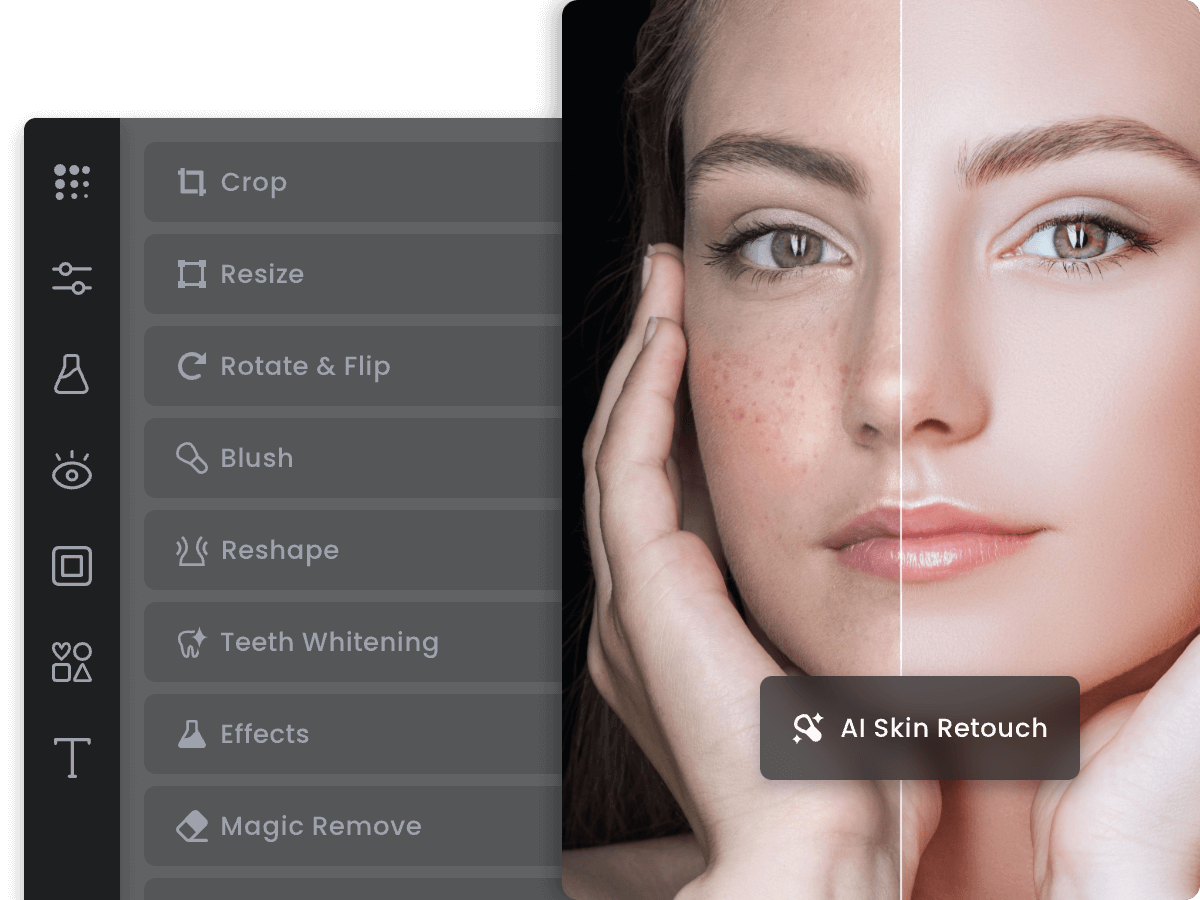
Fotor
AI-enhanced online photo editor with design templates and batch tools
- One-tap AI photo enhancement and color correction
- AI background removal and replacement
- Text-to-image AI generation
Discover More AI Tools
Weekly curated tools, scenarios, and MCP server updates.
Disclosure: Some links on this page may be affiliate links. We may earn a commission if you make a purchase through these links, at no additional cost to you. This helps support Coda One.