10 Best AI Video Tools in 2026 (Compared)
A comprehensive comparison of the best AI video tools in 2026, covering generation, editing, avatars, and content repurposing.
Our Top Picks
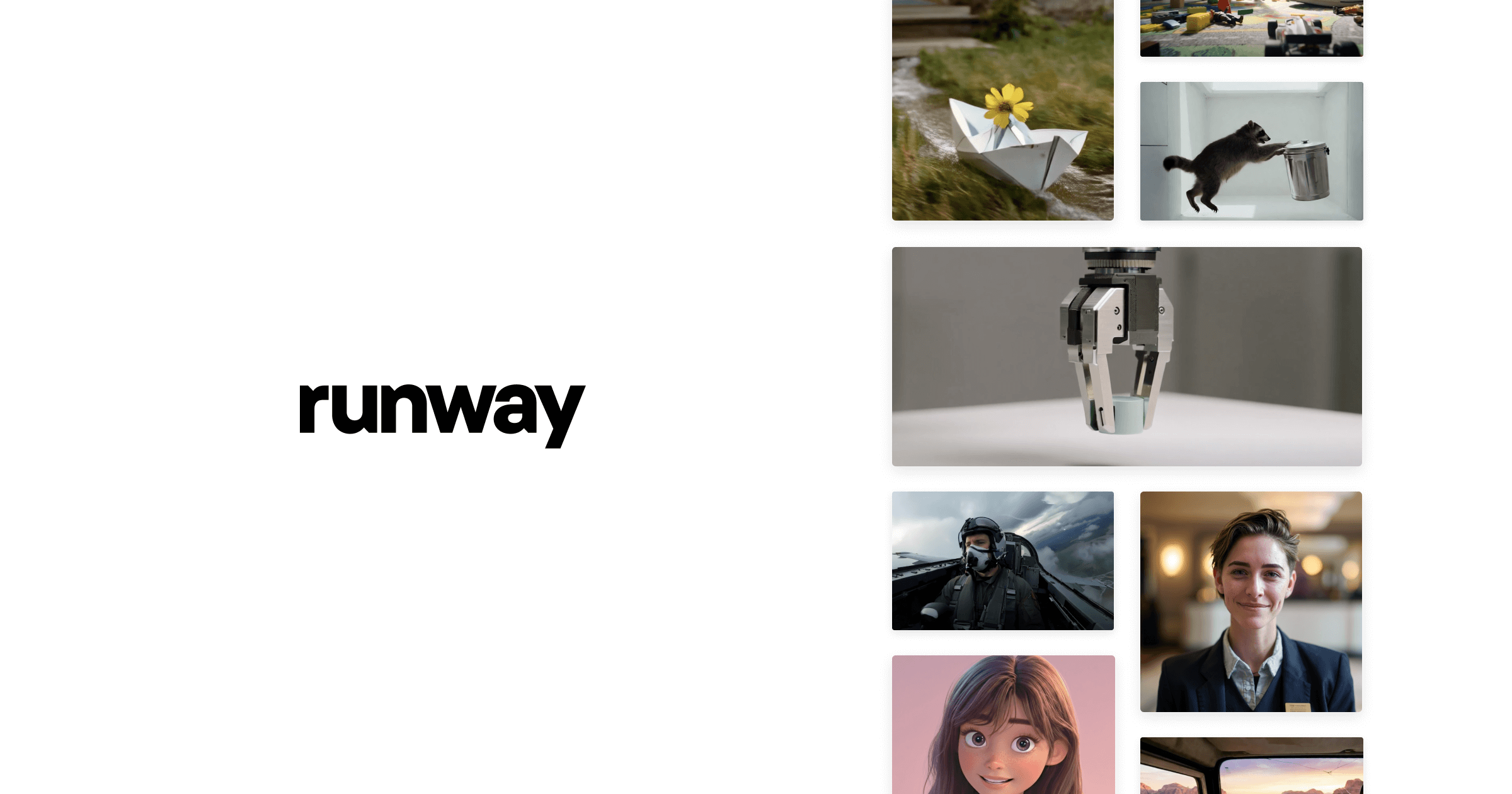
Runway
Freemium
Industry-leading AI video generation with Gen-3 Alpha model
- Gen-3 Alpha text-to-video and image-to-video generation
- Motion brush for directing movement in generated clips
- 30+ AI creative tools (inpainting, expand, remove background)
- Custom model training on your own visual data
- Multi-track video editor built into the platform
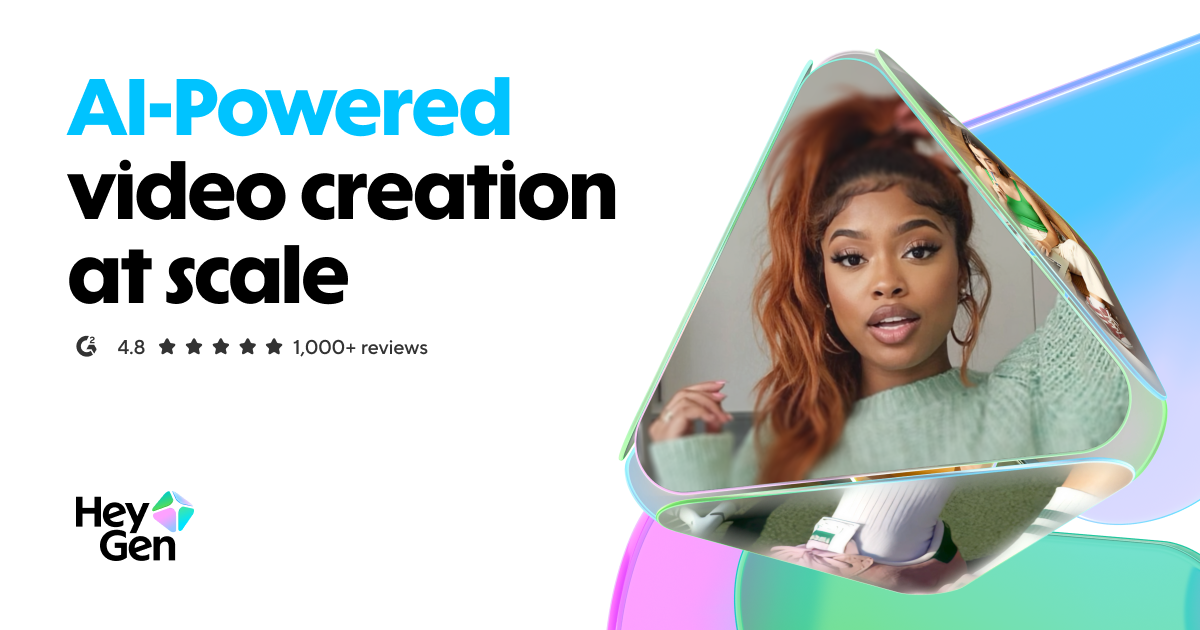
HeyGen
Freemium
Leading AI avatar platform for business videos and multilingual dubbing
- 100+ photorealistic AI avatars with natural expressions
- Multilingual video translation with voice cloning and lip-sync
- Custom avatar creation from personal video recording
- API for programmatic video generation at scale
- Template library for common business video formats
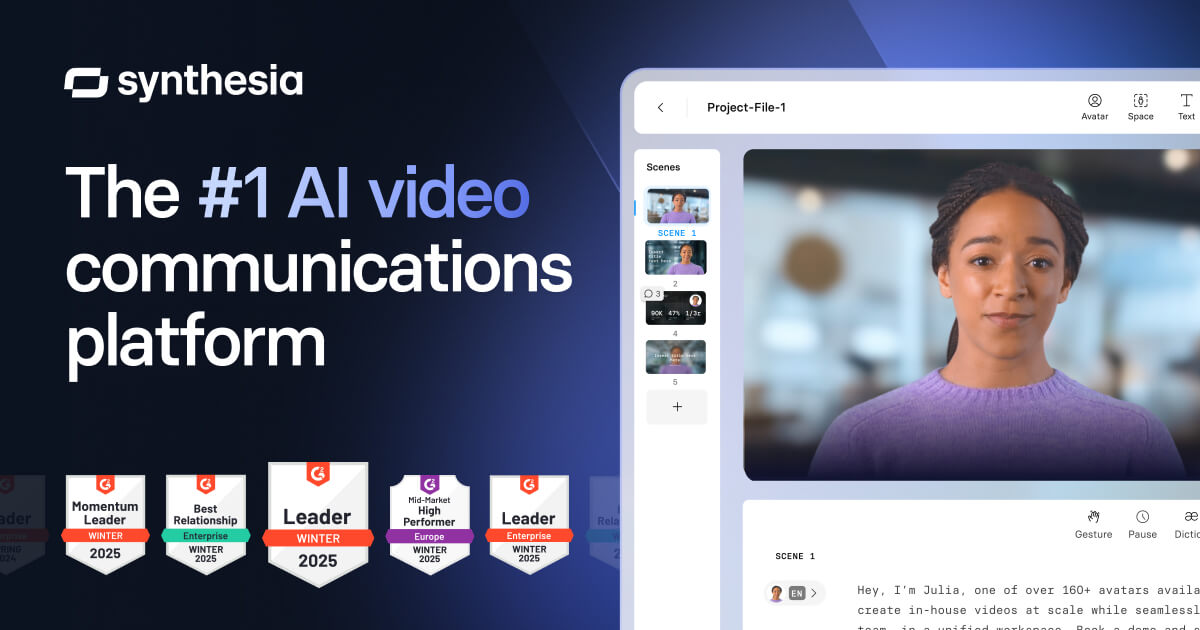
Synthesia
Paid
Enterprise AI avatar video platform trusted by Fortune 500 companies
- 230+ diverse AI avatars with natural expressions
- 140+ languages and accents with accurate lip-sync
- Custom avatar creation from video recording
- Multi-scene editor with slides, screen recording, and animations
- One-click video translation across all languages
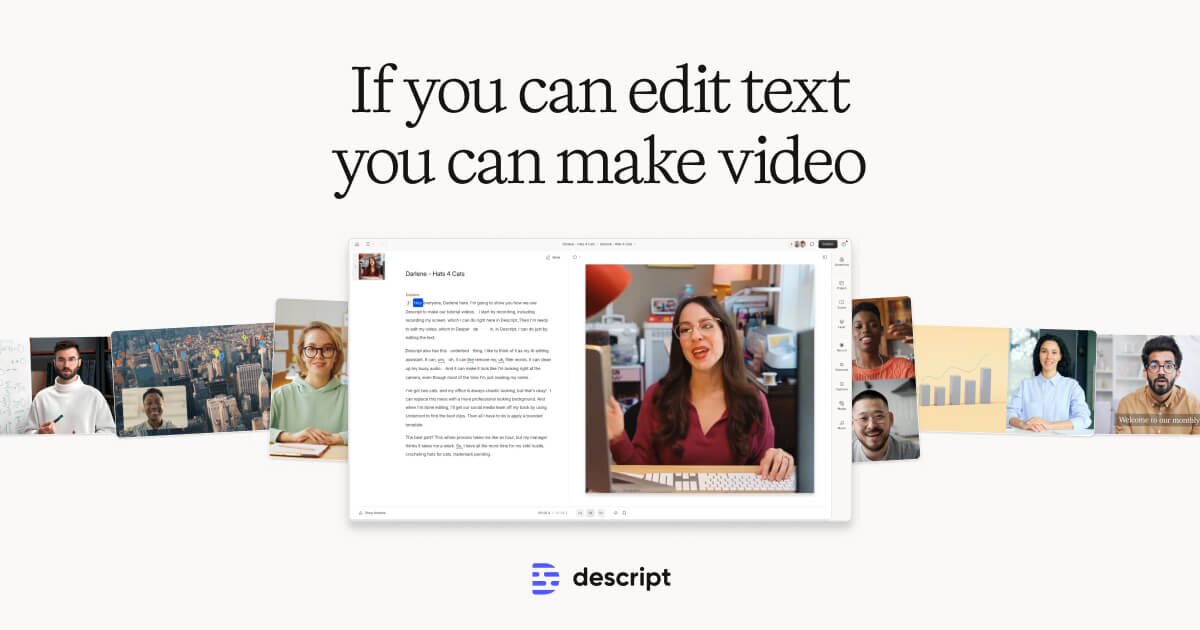
Descript
Freemium
Edit video by editing text — transcript-based video and podcast editor
- Transcript-based video and audio editing
- Automatic filler word detection and removal
- AI eye contact correction for webcam footage
- Studio Sound one-click audio enhancement
- AI voice cloning for overdub corrections
Pika
Freemium
Creative AI video generation with unique editing and effects tools
- Text-to-video and image-to-video generation
- Modify Region for selective video editing
- Lip Sync to animate photos with audio
- Expand Canvas for aspect ratio changes
- Video extension to lengthen generated clips
CapCut
Freemium
Free all-in-one video editor with powerful AI features by ByteDance
- AI-powered auto captions and subtitles
- Background removal and chroma key
- Multi-track timeline editing with keyframe animation
- Extensive template and effects library
- Text-to-speech in multiple languages

Luma AI
Freemium
Dream Machine video generation with photorealistic 3D capture technology
- Dream Machine text-to-video and image-to-video generation
- Photorealistic 3D capture from smartphone video
- Coherent camera motion and physics simulation
- Video extension to continue generated clips
- NeRF-based 3D scene reconstruction

Sora
Paid
OpenAI's flagship text-to-video model for high-fidelity video generation
- High-fidelity text-to-video generation
- Up to 60-second video clips
- Realistic physics and motion simulation
- Complex multi-character scene composition
- Multiple aspect ratio and resolution options
InVideo
Freemium
Template-driven video creation platform with 5000+ ready-made templates
- 5000+ customizable video templates
- Millions of premium stock photos and videos included
- Browser-based editor with multi-scene storyboard
- Automated text-to-video conversion
- Brand kit with custom fonts, colors, and logos
OpusClip
Freemium
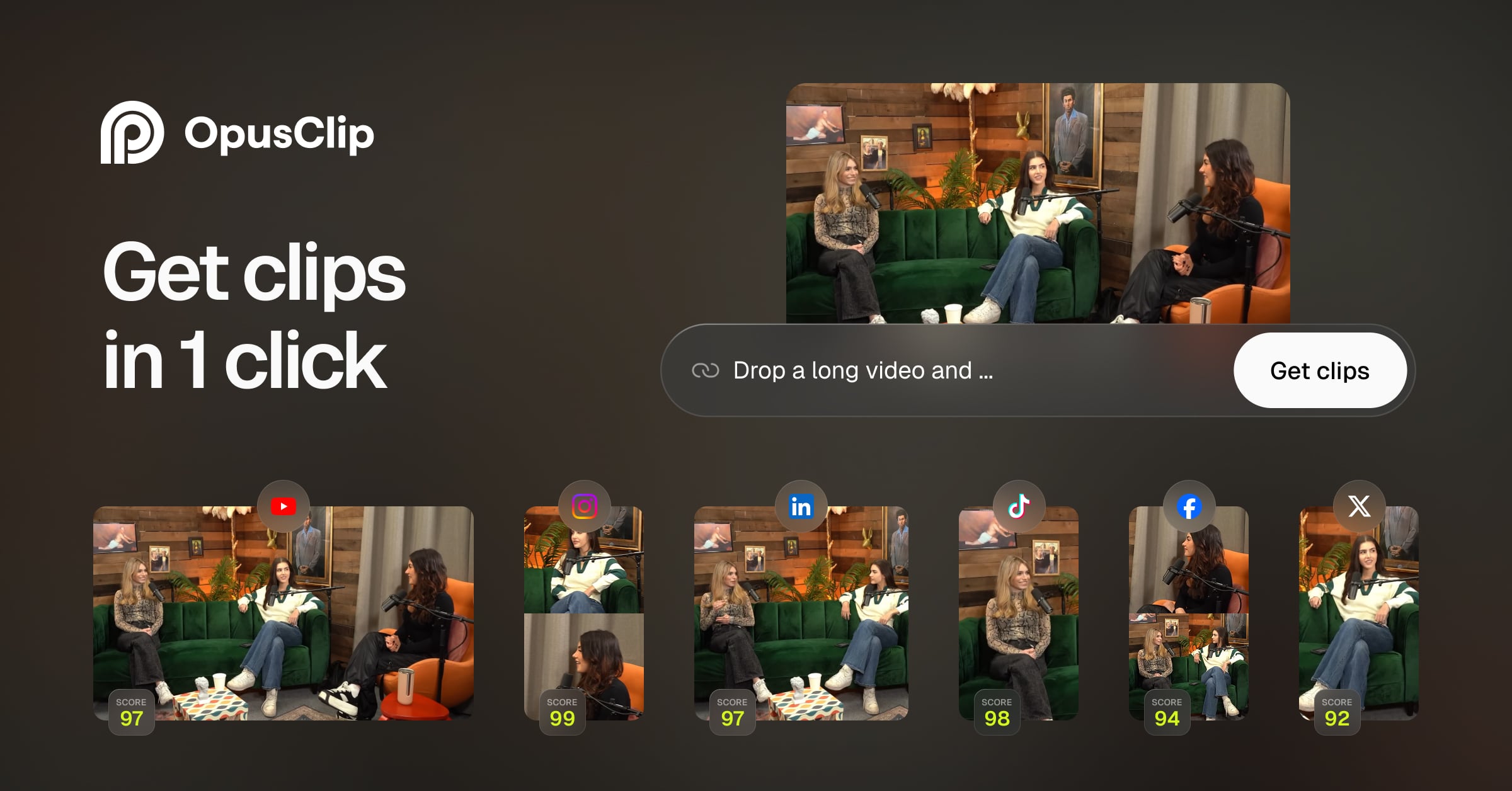
AI-powered long-to-short video repurposing with viral clip detection
- AI viral clip detection with virality scoring
- Automatic animated captions with custom styles
- Dynamic speaker tracking and reframing for vertical video
- Batch processing for multiple videos
- Social media scheduling and direct posting
Why AI Video Tools Are Changing Content Production
AI video tools have fundamentally altered the economics of video production. Tasks that once required professional studios, actors, and weeks of editing can now be accomplished in minutes. From text-to-video generation to AI avatars that deliver presentations in any language, these tools make video content accessible to every business and creator.
The landscape spans several categories: generative AI that creates video from text prompts, AI avatars for training and marketing videos, intelligent editing tools that automate post-production, and repurposing tools that transform long content into short clips. Understanding which category you need is the first step to choosing the right tool.
Our Top Picks at a Glance
Runway leads in creative AI video generation. HeyGen dominates AI avatar videos. Descript offers the best AI-powered editing experience. Sora pushes the boundaries of text-to-video quality. CapCut provides the most accessible free editing suite.
Detailed Reviews
1. Runway — Best for Creative Video Generation
Runway's Gen-3 Alpha model produces remarkably coherent video clips from text and image prompts. Its motion brush, camera controls, and style references give creators fine-grained control over the output. The web-based interface makes it accessible without powerful hardware. Professional filmmakers and advertisers use Runway for concept visualization, B-roll generation, and creative experimentation. Pricing is credit-based with plans starting at $15/month.
2. HeyGen — Best for AI Avatar Videos
HeyGen specializes in creating professional talking-head videos using AI avatars. Upload a script, choose an avatar (or create one from your own likeness), and get a polished video in minutes. Its instant avatar cloning and multi-language dubbing features make it the go-to choice for corporate training, product demos, and localized marketing content. Plans start at $29/month.
3. Synthesia — Best for Enterprise Training Videos
Synthesia focuses on enterprise-grade AI video production. Its avatars are notably professional, and the platform includes built-in collaboration, brand kits, and integrations with LMS platforms. Over 140 AI avatars and 130+ languages make it ideal for global companies producing training content at scale. Enterprise pricing starts at custom quotes, with a starter plan for smaller teams.
4. Descript — Best for AI-Powered Video Editing
Descript reimagines video editing by treating video like a text document. Edit your video by editing the transcript — delete a word and the corresponding video segment disappears. AI features include filler word removal, eye contact correction, and studio-quality audio enhancement. Ideal for podcasters, YouTubers, and anyone who needs to edit video quickly without traditional editing skills.
5. Pika — Best for Quick Creative Clips
Pika excels at generating short, stylized video clips from text or images. Its interface is simple and results are often surprising in their creativity. While not suited for long-form content, it is excellent for social media content, visual effects, and creative experiments. The generous free tier makes it easy to explore.
6. CapCut — Best Free Video Editor
CapCut combines a powerful free video editor with increasingly sophisticated AI features including auto-captions, background removal, and style effects. Its mobile-first design and TikTok integration make it the default choice for social media creators. The desktop app adds more professional features while maintaining its accessible interface.
7. Luma AI — Best for 3D and Cinematic Video
Luma AI's Dream Machine generates cinematic video clips with impressive camera movements and 3D understanding. It excels at scenes requiring depth, perspective, and cinematic quality. The tool is particularly strong for product visualization and architectural walkthroughs. Free tier available with paid plans for higher quality and faster generation.
8. Sora — Best for Photorealistic Generation
OpenAI's Sora represents the cutting edge of text-to-video generation, producing remarkably photorealistic clips with coherent motion and physics. While still limited in availability and duration, the quality of its outputs sets a new standard. Access is available through ChatGPT Plus and Pro subscriptions, making it accessible but with usage limits.
9. InVideo — Best for Marketing Videos
InVideo provides a template-driven approach to AI video creation, making it easy to produce marketing videos, social media ads, and promotional content quickly. Its AI assistant helps non-designers create professional-looking videos by suggesting templates, stock footage, and transitions based on your script. Pricing is competitive with a solid free tier.
10. OpusClip — Best for Content Repurposing
OpusClip uses AI to automatically extract the most engaging moments from long-form videos and reformat them for social media. It identifies key moments, adds captions, and reformats aspect ratios. Essential for YouTubers and podcasters who want to maximize the reach of their content across platforms. The free tier processes a reasonable amount of content monthly.
How We Chose These Tools
We evaluated each tool by producing identical video projects across categories: avatar presentations, text-to-video generation, long-form editing, and social media repurposing. We assessed output quality, ease of use, rendering speed, pricing per minute of output, and the availability of useful features on each pricing tier.
Key Considerations When Choosing
- Use case specificity: Generation, editing, avatars, and repurposing are distinct needs requiring different tools
- Output quality: Test free tiers before committing — quality varies significantly between tools
- Video duration limits: Many AI generators cap output at 5-15 seconds per generation
- Rendering speed: Some tools deliver near-instant results while others require minutes of processing
- Commercial rights: Verify licensing terms for generated content, especially for advertising use
- Brand consistency: Look for custom avatar and brand kit features if producing content at scale
- Integration needs: Check compatibility with your existing editing and publishing workflow
Subscribe to these tools with crypto
Use your Coda One virtual card to pay for any AI tool subscription with USDT, USDC, or BTC.
Get Your CardFrequently Asked Questions
What is the best free AI video generator?
Pika and Luma AI offer the most generous free tiers for AI video generation. CapCut is the best free video editor with AI features. For avatar-based videos, most tools offer limited free trials but require paid plans for regular use.
Can AI video tools replace professional videographers?
For certain use cases like training videos, social media clips, and internal communications, AI tools can replace traditional production. However, high-end commercial production, narrative filmmaking, and live event coverage still benefit from professional videography. AI tools are best viewed as a way to produce more video content at lower cost, not as a wholesale replacement.
Which AI video tool is best for YouTube?
Descript is the top choice for YouTube editing with its transcript-based workflow. OpusClip excels at creating YouTube Shorts from longer videos. For adding AI-generated B-roll, Runway is the most versatile option.
Disclosure: Some links on this page may be affiliate links. We may earn a commission if you make a purchase through these links, at no additional cost to you.